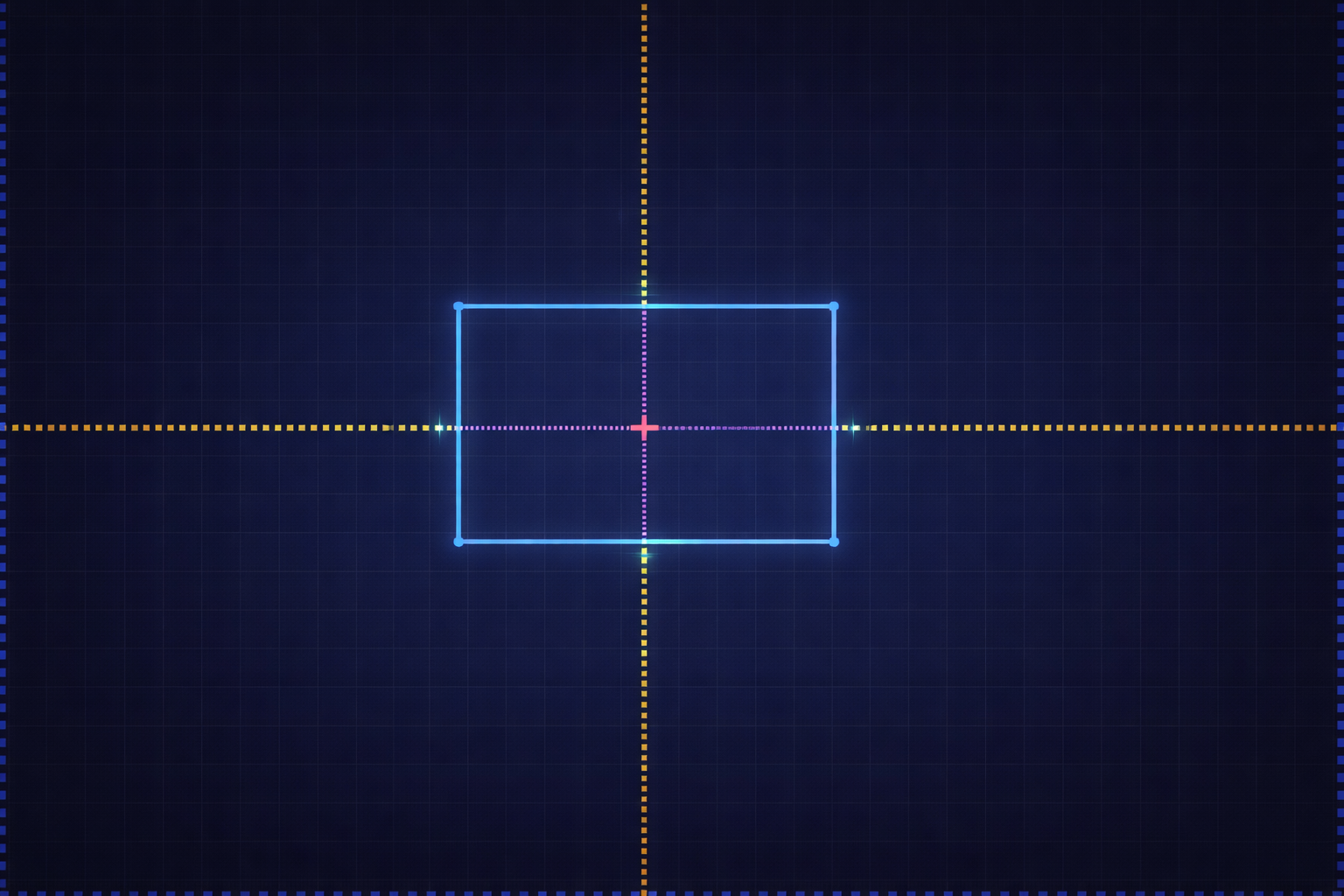
CrossPoint
A downloadable tool for Windows
無料のスタンダード版は下記から入手できます!
AIに対して「少し右へ」と言うのはやめましょう。
AIを使ってレイアウトを調整している際に、次のようなループに陥った経験があるかもしれません。
- 「このボタンを少し右に移動してください」
- 「このダイアログを少し大きくしてください」
そして…また修正、また修正。
CrossPointは、そうした不満を解消するために開発されました。
これは、あなたとAIが共通の言語である座標を共有できるようにするツールです。
「ここ」や「このくらいの大きさ」といった曖昧な表現の代わりに、正確な位置、サイズ、範囲を的確に伝えることができます。
あなたができること
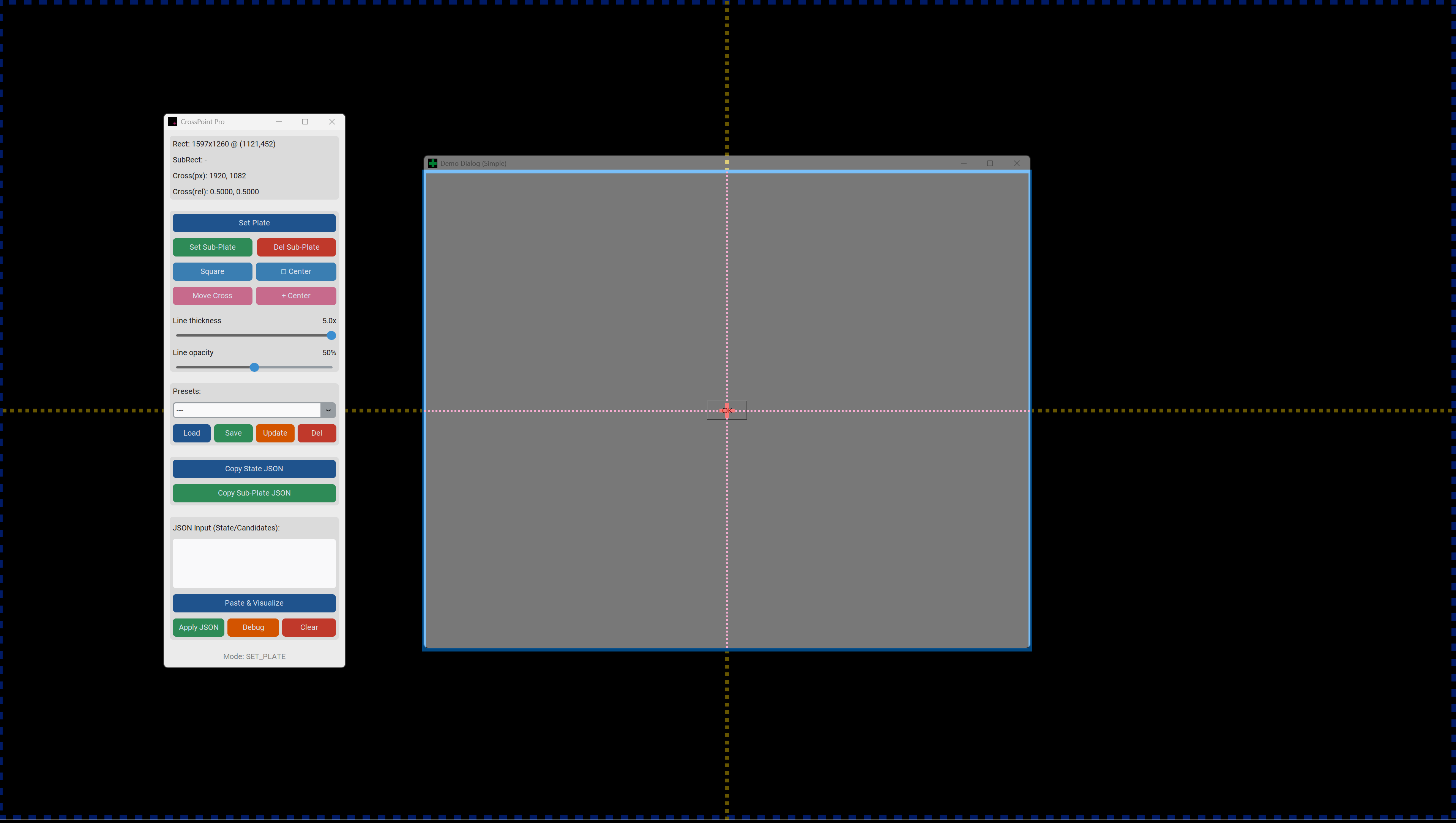
- プレートを定義する:長方形の作業領域
- 十字マークを配置する:相対座標を使用して関心地点を 指定する
- 現在の状態をState JSONとしてコピーします
このJSONをAIに送信することで、UIの位置やサイズを言葉ではなく数値で指定できます。
これはどのような問題を解決するのですか?
AIにレイアウトの設計や調整を指示する際によく発生する問題には、以下のようなものがあります。
- 微妙な位置調整は伝わらない
- Layouts shift due to DPI or display scaling differences
- Screenshots alone are open to interpretation
CrossPoint aims to avoid these problems by sharing layout intent as coordinate data.
With the Pro (Supporter) Edition, you can also:
- Take layout proposals returned by AI as JSON (e.g. window sizes, button positions)
- Visualize them directly inside CrossPoint
- Without writing or running any code
- Works perfectly with major AI models like ChatGPT, Claude, and Gemini. Ideal for fixing UI layout issues in your game development workflow.
Quick Start
- Extract the ZIP to any folder
- Run
CrossPoint.exe
On first launch, Windows SmartScreen may appear. Choose More info → Run anyway.
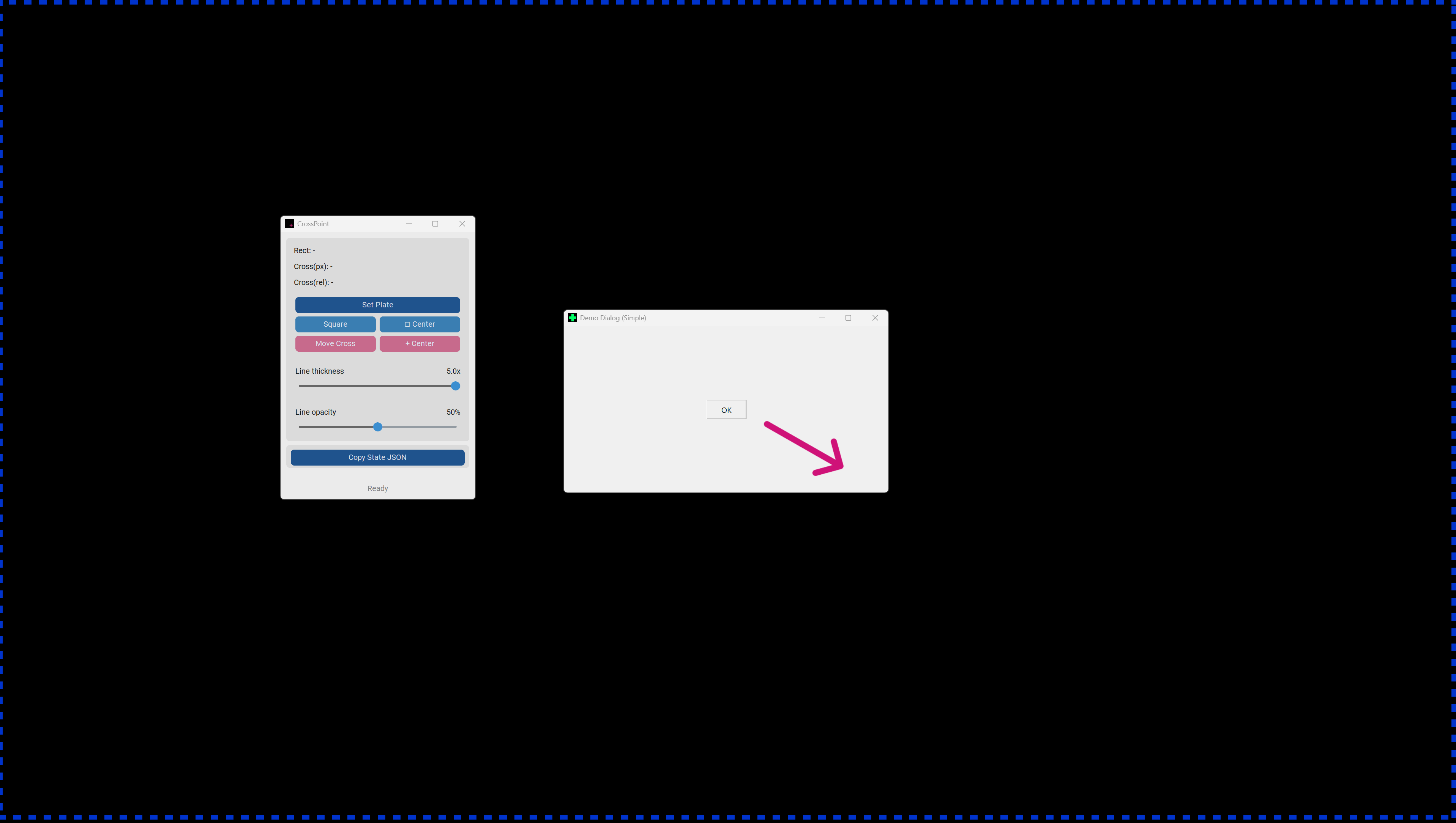
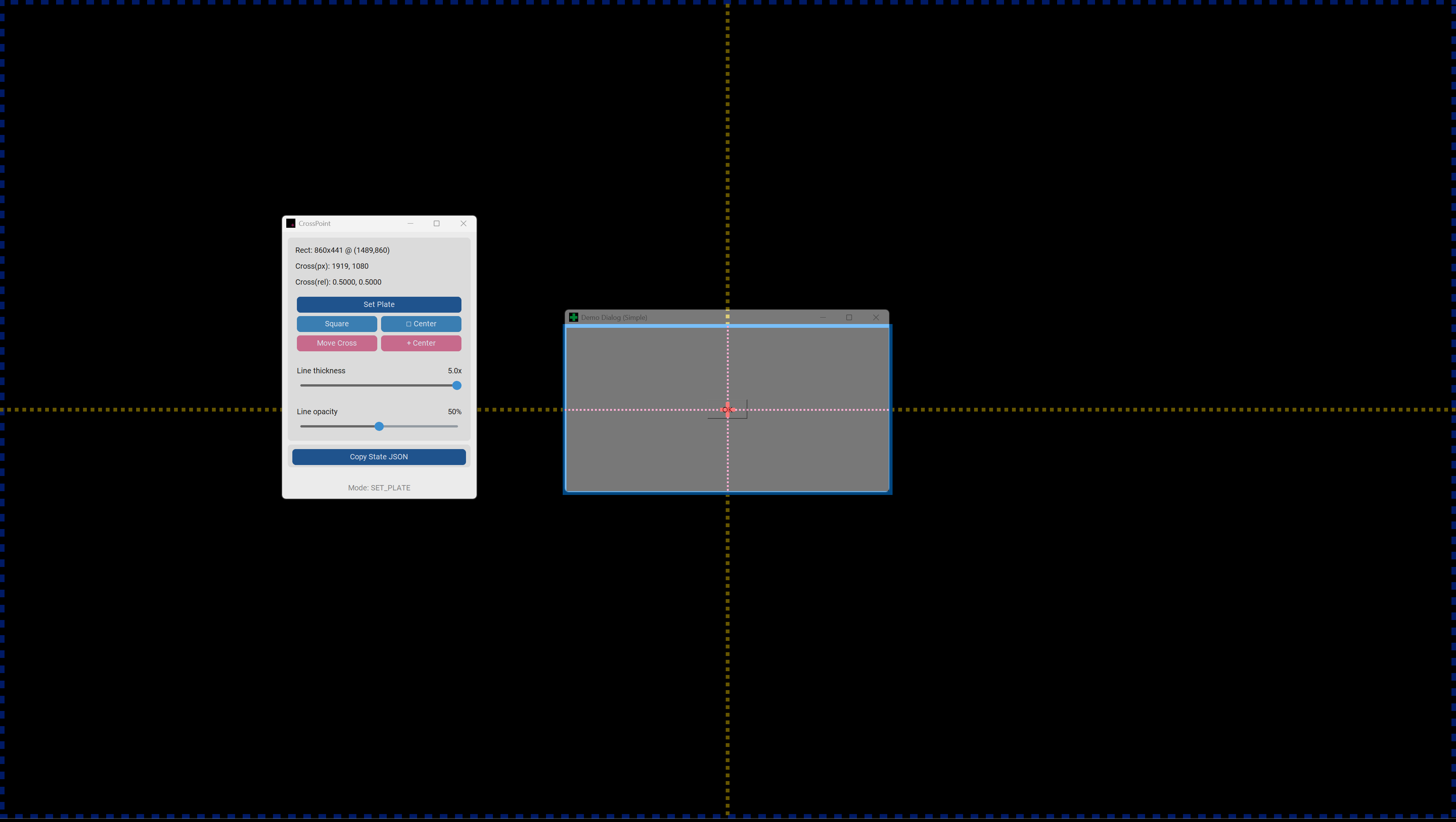
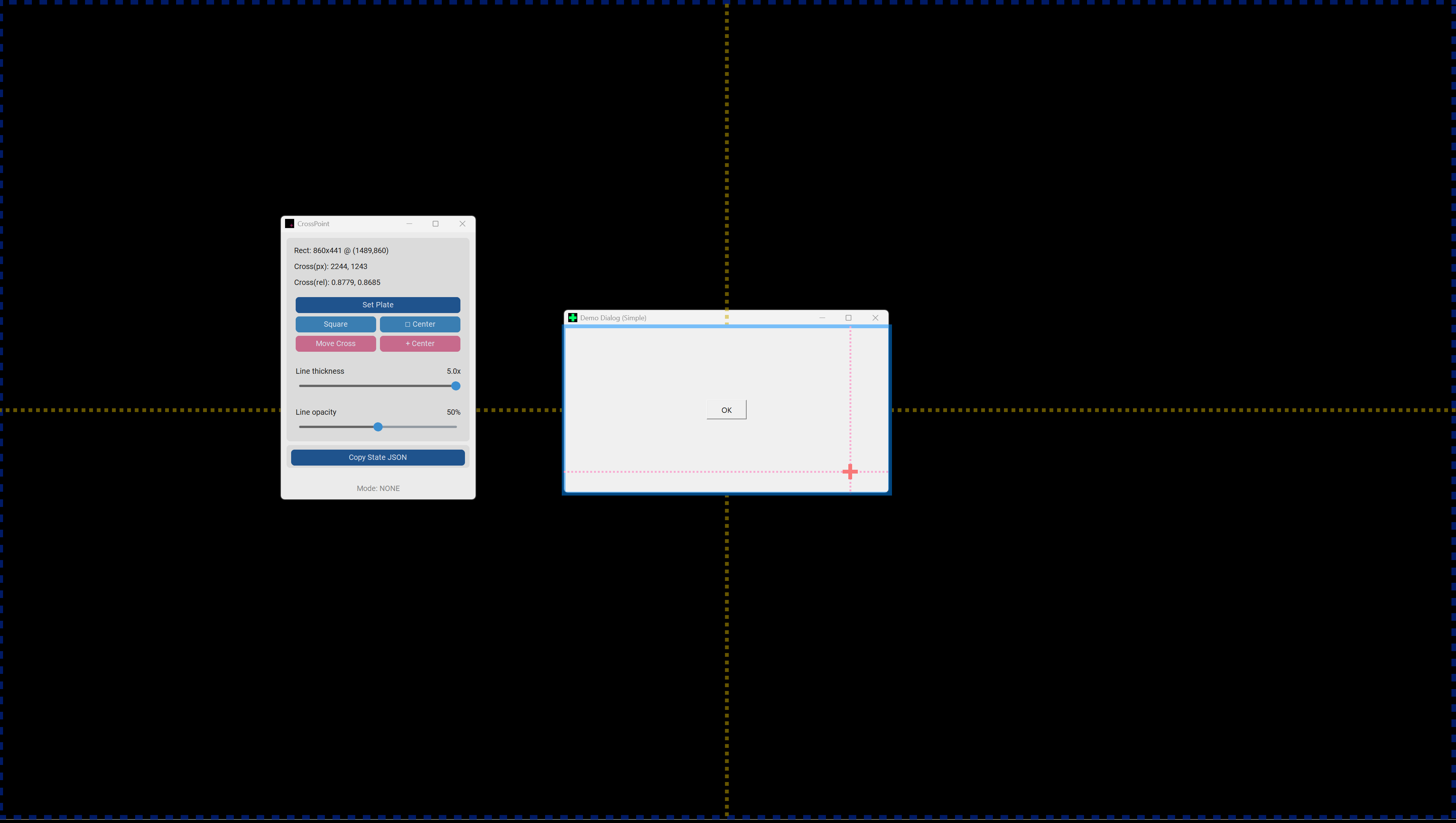
- Set Plate
- Drag on the screen to define a rectangular area
- Align it with the dialog or UI you’re working on
- You can also use it to tell AI “build it at this size”
While editing, CrossPoint enters overlay mode (the screen dims). Right-click or press
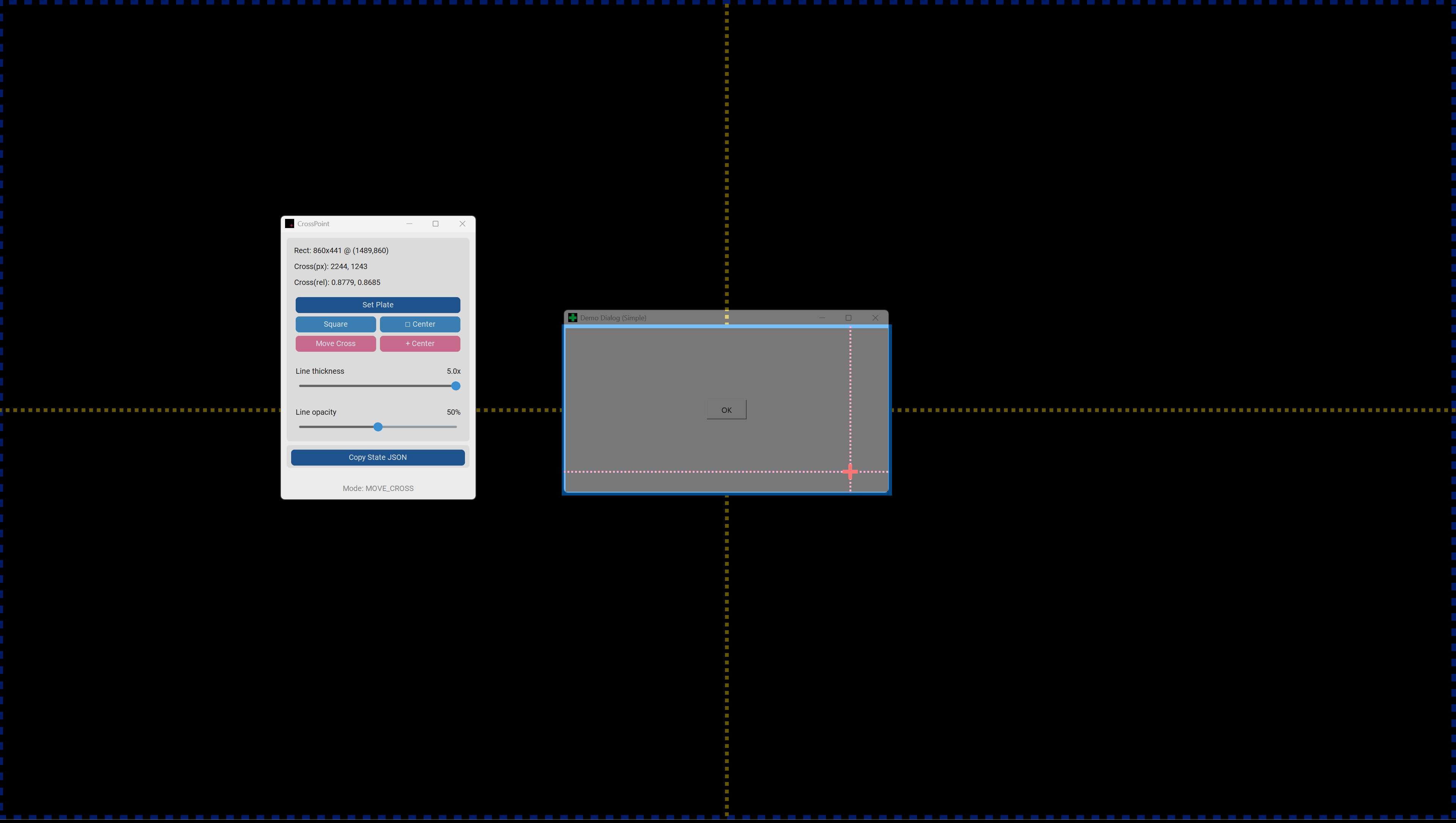
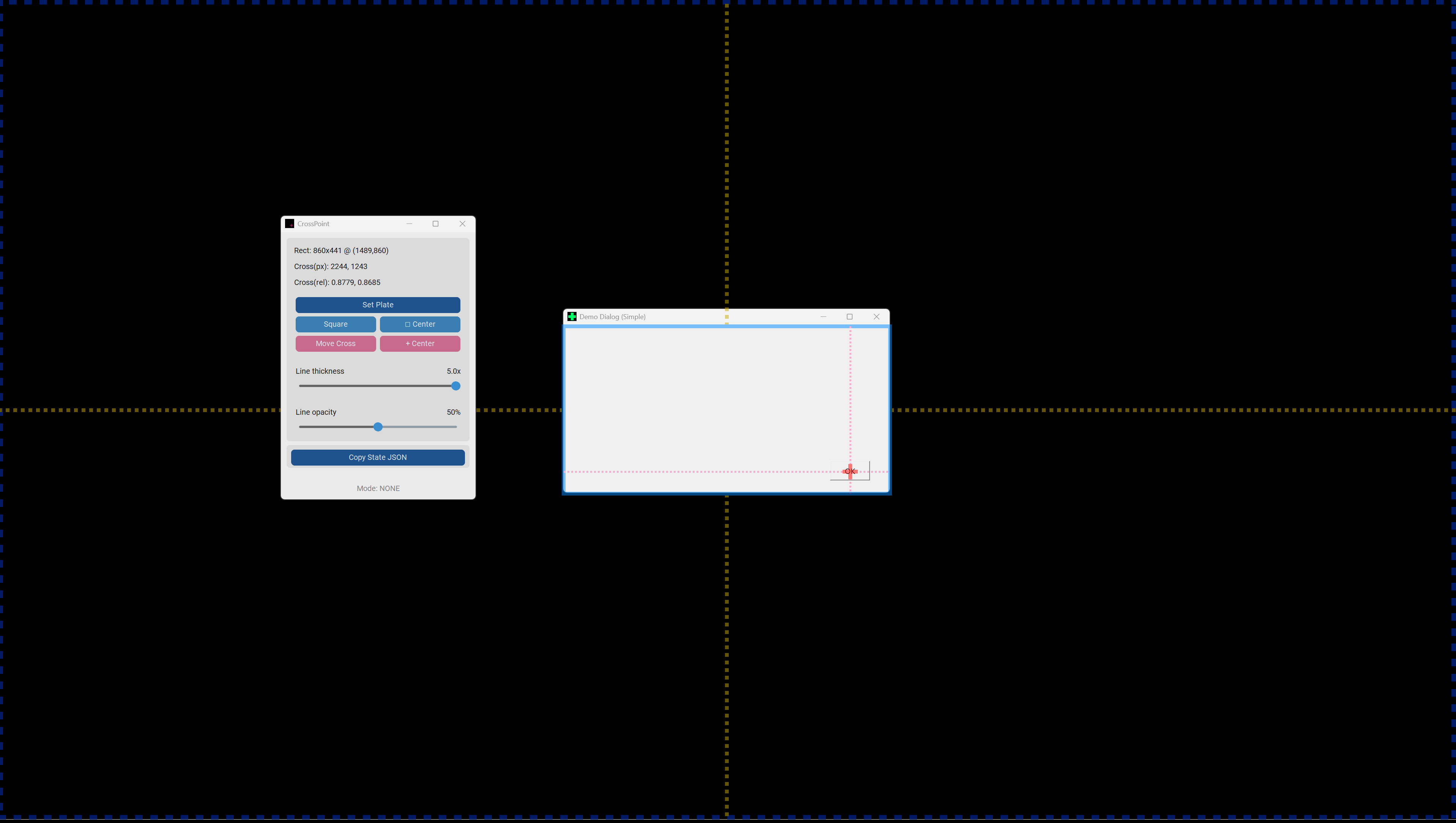
Escto exit. - Move Cross
- Click or drag to place the focus point
- Copy State JSON
- Paste it directly into your AI chat
Note: When asking an AI, it is recommended to share the included docs/README_AI_EN.md first.
CrossPoint JSON is designed to be used as-is without correction.
If this spec is not shared, the AI may perform DPI corrections, causing unintended misalignment.
Free vs Pro
Standard Edition (Free)
- Create Plate / Cross
- Copy State JSON
- Include DPI / scaling metadata (
env)
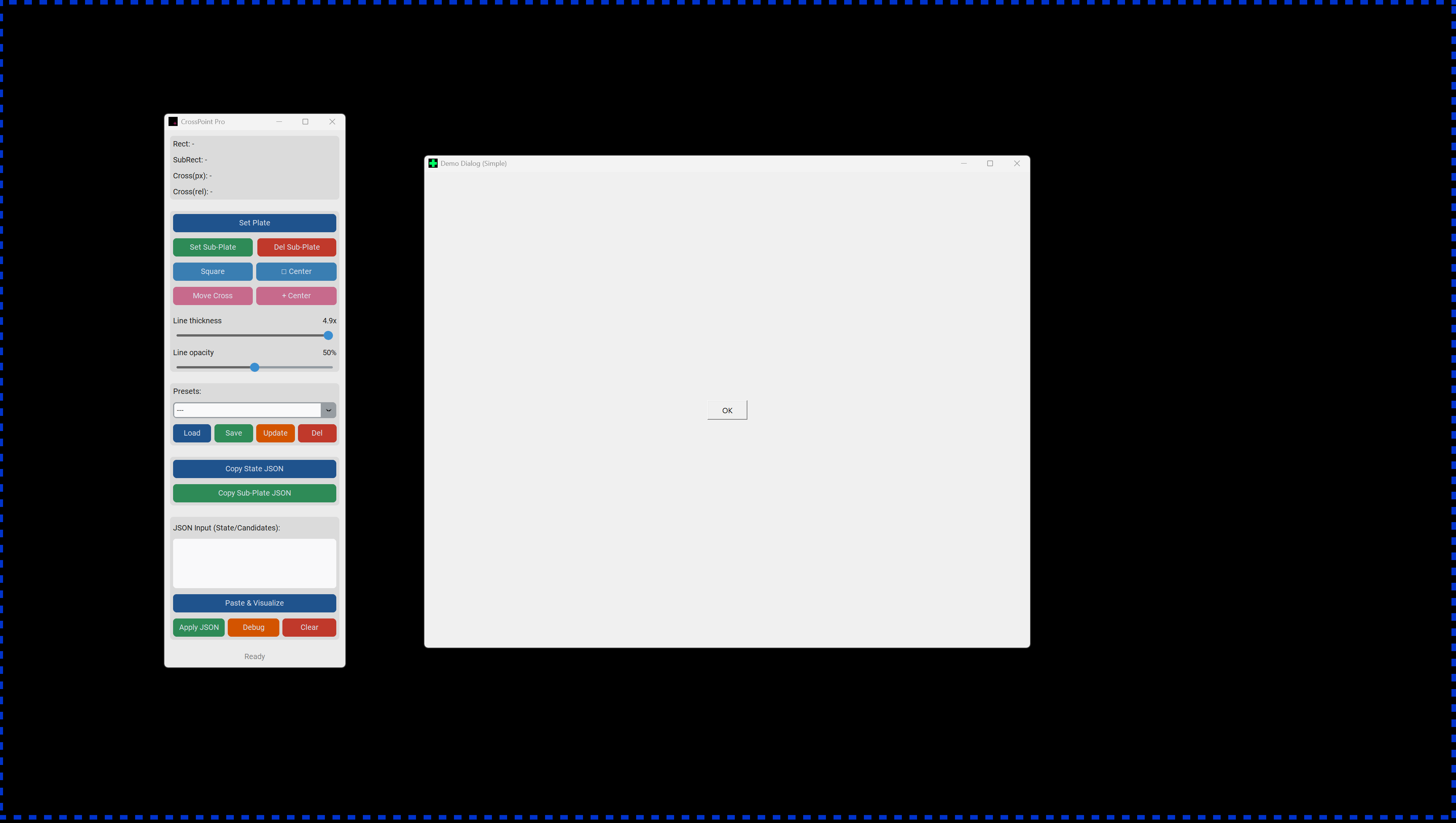
Supporter Edition (Pro)
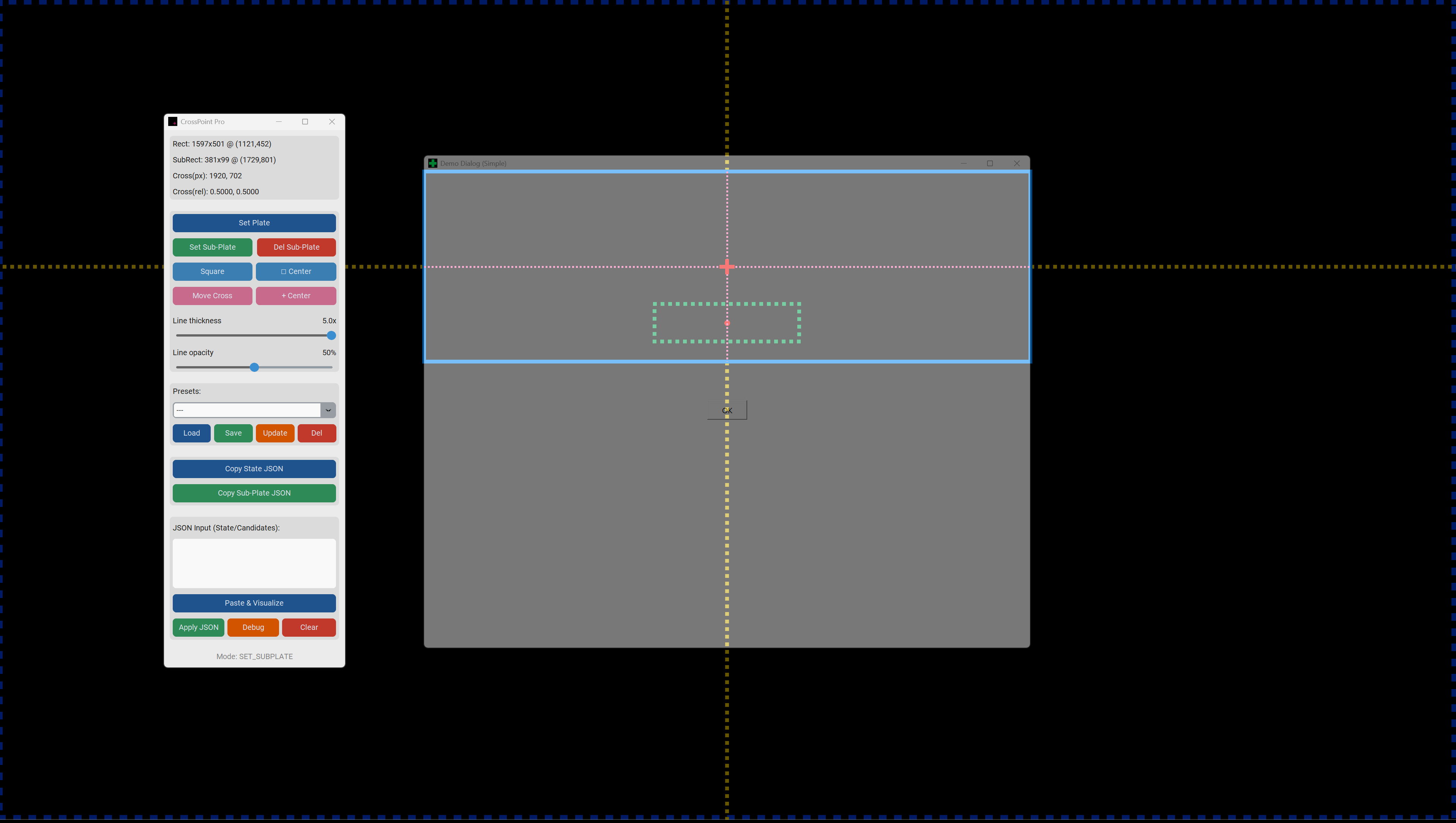
- Sub-Plate (additional rectangles)
- Visualize AI-proposed layout candidates
- Apply / undo JSON states
- Presets (save and recall states)
- Debug Replay (reproduce layouts from JSON)
Distribution & License
- Windows EXE (no Python required)
- For personal use
- Redistribution or resale of the software itself is prohibited. You are free to use this tool for commercial projects.
- Important: Due to the nature of digital products, refunds are not accepted. Please use the Standard Edition (Free) to verify compatibility and ensure the tool meets your needs before purchasing.
- Disclaimer THIS SOFTWARE IS PROVIDED "AS IS", WITHOUT WARRANTY OF ANY KIND. THE AUTHOR IS NOT LIABLE FOR ANY CLAIM, DAMAGES, OR OTHER LIABILITY ARISING FROM THE USE OF THIS SOFTWARE. USE AT YOUR OWN RISK.
About CrossPoint
CrossPoint does not automatically generate layouts.
It’s a tool to align coordinate understanding between humans and AI.
Use it to turn hard-to-explain ideas like “somewhere around here” into exact numeric data.
The core features are free—please try them first. If the Supporter Edition helps your workflow, purchasing it is a way to support development. In return, you get productivity-focused features like presets and visualization tools.
Platform Windows
Purchase
In order to download this tool you must purchase it at or above the minimum price of $3 USD. You will get access to the following files:
Download demo